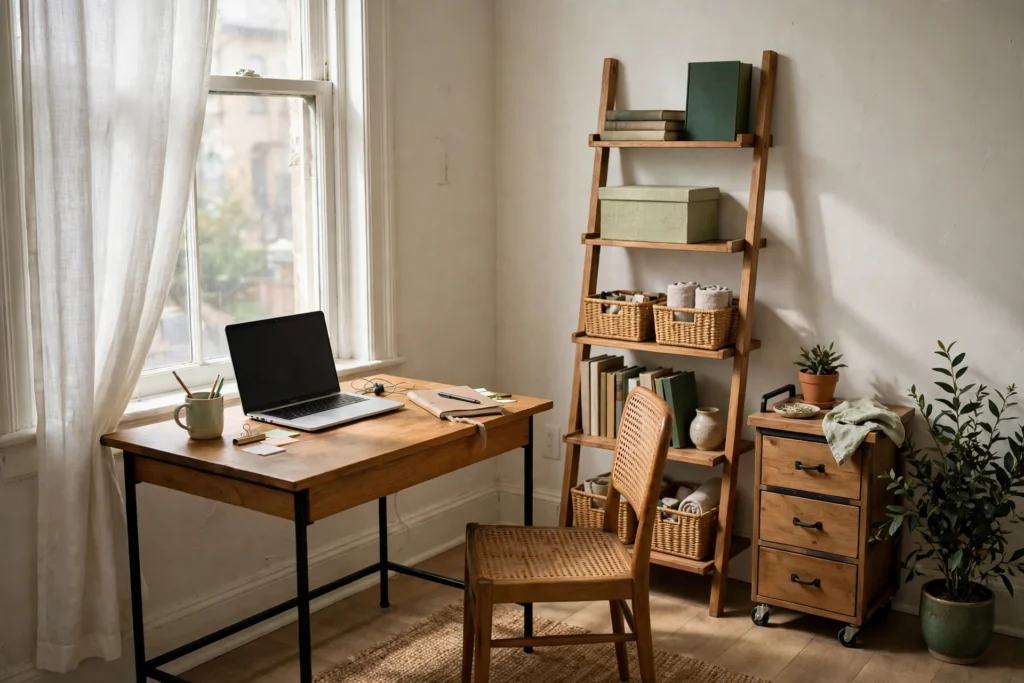
A small desk does not fail because it is small. It fails because everything the work touches is allowed to live on it, so the surface becomes storage, and a surface that stores cannot be worked on. Desk organization for a small workspace is a residency system: define the small kit of things that earn permanent space on the desk, lay that kit out by how your hands actually move, expand in the only two directions a desk offers, up onto risers and down into drawers, and reset the surface to the kit at the end of every day. The desk inside a wider office system follows the same earning rule the office does; this page is the full method for the desk itself, from the small home office system down to the last drawer.
Define the Daily Kit: What Earns the Surface
Before anything is arranged, decide what is allowed to stay. The daily kit is the set of items that pass three tests. You touch it on most workdays. You need it within arm’s reach while working, not within a walk across the room. And the work genuinely pauses without it. A screen or laptop, keyboard and mouse, the current notebook, a pen, and a phone charger lead most kits; a reference book, a desk lamp, or a headset joins only if it passes all three tests for your work, not for an imagined version of it.
Everything else is a visitor or an exile. Visitors are items with a legitimate temporary job on the desk: the document being signed, the package being returned, the mug. Visitors leave when their job ends, the same day. Exiles are items that feel desk-adjacent but fail the tests: the stapler used twice a month, the stack of books being “read currently,” the spare cables, the mail. Exiles live in the office’s storage, near the desk but not on it. The kit audit is brutal and quick: clear the desk completely, then put back only what passes. Whatever is still in your hands after the kit is restored is the clutter problem, and it was never a space problem.
The kit also has a size discipline. On a tiny desk it should cover well under half the surface when laid out, because the work itself needs the rest. A kit that fills the desk leaves nowhere for the work to happen, and the work will colonize the kit’s space and then the floor. If the honest kit is too big for the desk, the answer is the expansion sections below, not a bigger kit allowance.
Lay Out the Surface: Work Field, Reach Ring, Back Line
With the kit defined, the surface divides into three bands, arranged around the one fixed point: the screen or laptop, centered on where you sit, at the back of the desk so the work field opens in front of it.
The work field is the area directly in front of you: keyboard, mouse, and the document or notebook in play. It holds only what the current task is using, and it is the band that must be able to empty completely, because the next task needs it blank. Nothing stores in the work field, ever; storage here is what “my desk is buried” physically means.
The reach ring is the arc your hands sweep without leaning: the sides of the work field and the strip beside the screen. The daily kit lives here, placed by frequency and handedness. The items touched hourly sit closest, on your dominant side for the tools your dominant hand operates (mouse, pen cup if you write by hand constantly), the phone and its charger parked at the ring’s far edge on either side, present but out of the work’s way. Items touched a few times a day sit at the ring’s outer edge. If you have to lean or stretch for a daily item, the ring is laid out wrong or the kit is too big.
The back line is the strip against the wall or the desk’s far edge, behind the screen’s line: the lamp, the speaker, the riser and whatever stands on the desk but is rarely touched. The back line is where vertical helpers live (next section) precisely because it is the surface you need least. On a tiny desk the back line may be a few centimeters deep; that is enough, because its residents are the ones you reach for least.
The layout adapts to the desk you actually have. A tiny straight desk runs the three bands in their purest form and usually has no room for error: screen on the back line, kit in a tight ring, work field defended. A desk with drawers lets the reach ring shrink, because the top drawer (below) acts as the ring’s overflow for the kit’s second tier. A laptop-only desk gains surface and loses the anchor: the laptop is the screen and the keyboard, so the work field is smaller, and the temptation is to let the saved space fill with exiles; the ring discipline matters more, not less. A shared surface, the dining table that becomes a desk, runs the whole system in portable form: the kit lives in one tray, caddy, or box that arrives and leaves as a unit, the bands exist only while you work, and the reset at the end is total. The shared desk is the strictest test of the kit: if it does not fit in the caddy, it is not kit.
Expand Upward: Risers, Stands, and Desk Shelves
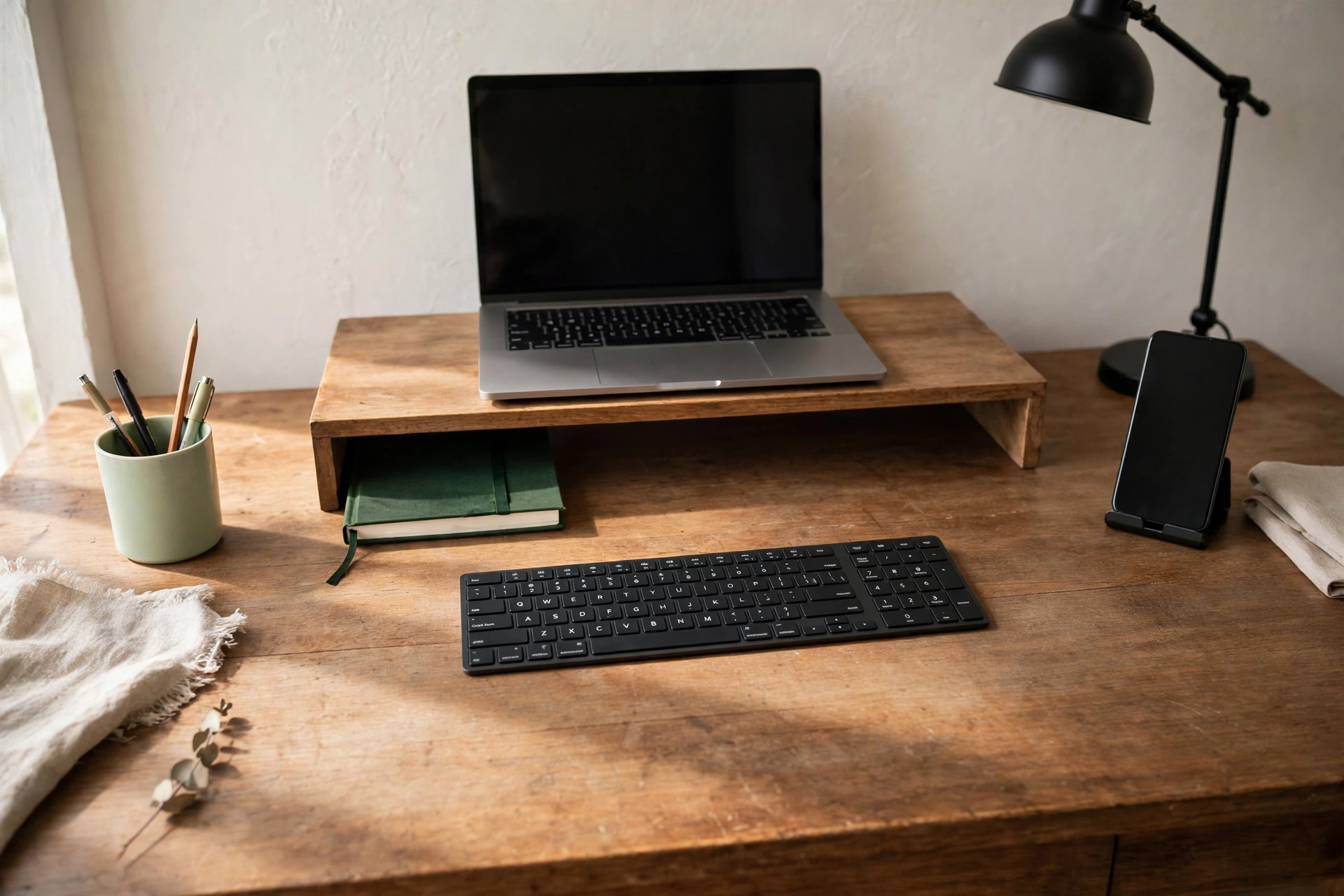
A small desk has two directions to grow, and up is the first. A monitor stand or riser lifts the screen and, more importantly for organization, creates a storage layer underneath it: the keyboard parks there when the work field needs to be a writing surface, the notebook and the current document slide under during a call, and the kit’s flat members (tablet, paper tray, closed laptop for a monitor user) live there permanently. A laptop stand does the same for laptop users who work with an external keyboard, freeing the footprint the laptop would have sprawled across. A small desk shelf or hutch standing on the back line adds a second level for the kit’s low-frequency members and the lamp.
Every riser spends footprint to buy volume, and the trade is not always worth it, which is why tiny desks follow the one-helper rule: choose the single vertical helper that buys the layer your work needs most, usually the monitor or laptop stand with its under-storage, and let the rest of the surface stay flat. Two helpers on a tiny desk create a cluttered shelf-scape at two heights instead of one, with the work field squeezed between them. Judge a helper by the layer it creates, not by its own storage claims: a riser whose underside fits nothing but air has spent your back line on a screen lift alone, which may still be right for a monitor user, but should be chosen knowingly.
Placement inside the expansion obeys the kit, too. What goes up and under is what is used daily but not hourly: the parked keyboard, the notebook between uses, the document tray. What never goes up is anything grabbed constantly, because reaching over and around a riser fifty times a day is how risers become junk shelves, filled with things their owner stopped seeing. The back line’s residents should be the desk’s most boring items: stable, flat, and forgotten until needed.
Use the Under-Desk Layer: Drawers With Jobs
Down is the second direction, and it runs on jobs, not contents. A drawer with a job is a drawer whose category you can name in two words: daily supplies, paper goods, tech accessories. A drawer without a job becomes the junk drawer, which is not a personality flaw but a missing assignment.
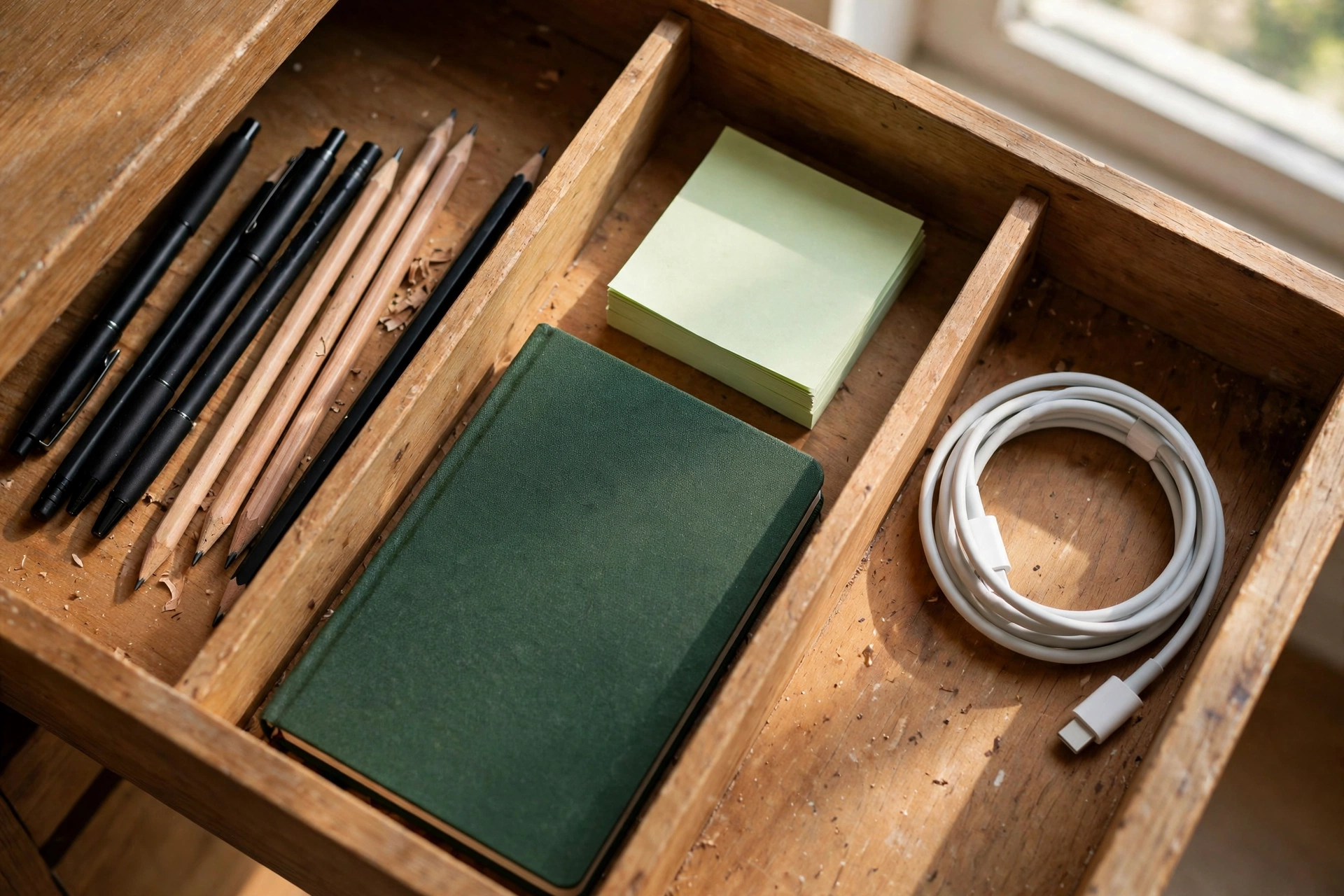
The top drawer is the reach ring’s partner: the daily kit’s second tier, supplies in active rotation, the pen refills, the notebook in waiting, the charger that is not plugged in. It opens many times a day, so it holds nothing that is not current. Lower drawers take the slower jobs in order: paper and files in one, tech accessories in another, personal items in the last, if anywhere. Dividers inside a drawer are job boundaries, not decoration; a compartment exists because two jobs share the drawer and must not merge. When a drawer will not close, a job has overflowed, and the fix is to shrink the job’s stock (the surplus belongs with the household backstock, per the office system) or promote the job to a bigger home, never to let it annex the neighboring drawer silently.
A desk with no drawers gets the drawer it lacks as furniture: a rolling drawer unit that slides under the desk or stands beside it as the desk’s extension, or an under-desk mounted organizer where the desk allows one. Size it by the kit and by legroom, in that order: it must hold the second tier and the slow jobs, and your legs must still fit under the desk with it in place, because a drawer unit that steals the legroom will be exiled to a corner within the week and the system loses its under-layer. Under-desk storage is storage, never a second surface: the top of a rolling unit beside the desk collects clutter exactly like a desk does, and it gets the same kit tests if anything wants to live there.
Keep Paper and Devices in Their Lanes
Two streams cross a desk constantly, and each gets one lane. Paper in play is the only paper on the surface: the document being read, signed, or copied from, inside the work field. The moment it is not in play it leaves, to the single landing place the office system gives incoming paper, and from there to the files; the filing method itself is a separate discipline, but the desk’s rule is absolute and simple: paper that is not being worked on is not on the desk. A small in-tray on the back line is the one legal exception, and only if it empties on the office’s paper rhythm rather than growing into a paper shelf.
Devices park in one spot. The phone charges at its place on the reach ring’s edge, face down or in its stand, always the same place; the tablet and e-reader, when they are kit, park on the riser layer or the back line, not wherever they were last set down. Chargers live at the park spot or in the drawer, their cables following the office’s single-hub principle rather than spreading from every outlet. A device without a park spot is a device that is somewhere on the work field, and the field is too small to share.
Reset to the Kit: The Daily Surface Routine
The reset is the desk’s version of the office shutdown, and it is deliberately smaller: three minutes, surface only. Visitors leave to their homes. The work field empties completely, documents to the landing place or the tray, notebook closed and parked in its layer. Devices return to their park spots and plug in there if they charge overnight. The kit stays, laid out in its ring, so the morning starts at a working desk rather than an archaeology site. On a shared surface the reset is the whole routine doubled: the kit leaves in its caddy and the table is a table again.
The failures diagnose the layer that broke. If the desk re-buries itself by noon every day, the kit is too big or visitors are not being evicted; re-run the audit, not a tidying session. If the riser has become a shelf of unidentifiable strata, volume was spent without jobs; clear it to its layer’s assignment. If a drawer will not close, a job overflowed; shrink the stock. If the shared desk never fully clears, the kit is not portable, and the caddy, not the table, is what needs organizing. A small desk stays organized the same way it got organized: not by being tidied harder, but by every item on it being able to answer for its residency. The wider room this desk sits in runs on the same rules at room scale, in the small home office system for renters.

Mike Maan writes practical home organization and small-space living guides for CozySorted. His work focuses on apartment-friendly storage, clutter-free routines, bedroom organization, and simple systems that help renters, apartment dwellers, and small-space homeowners create calmer, easier-to-maintain homes.