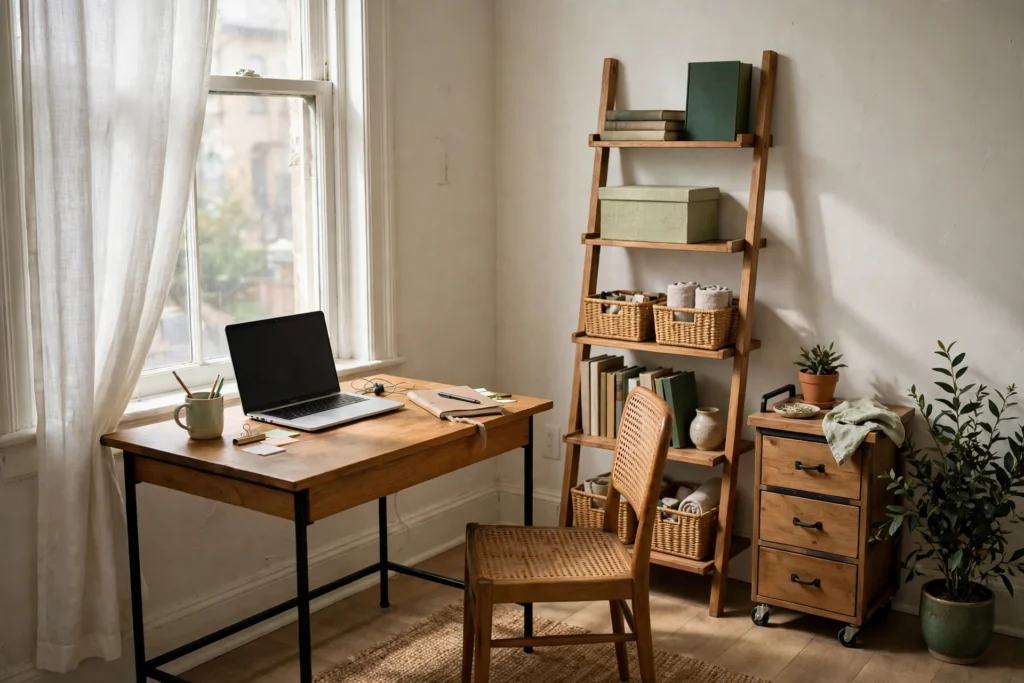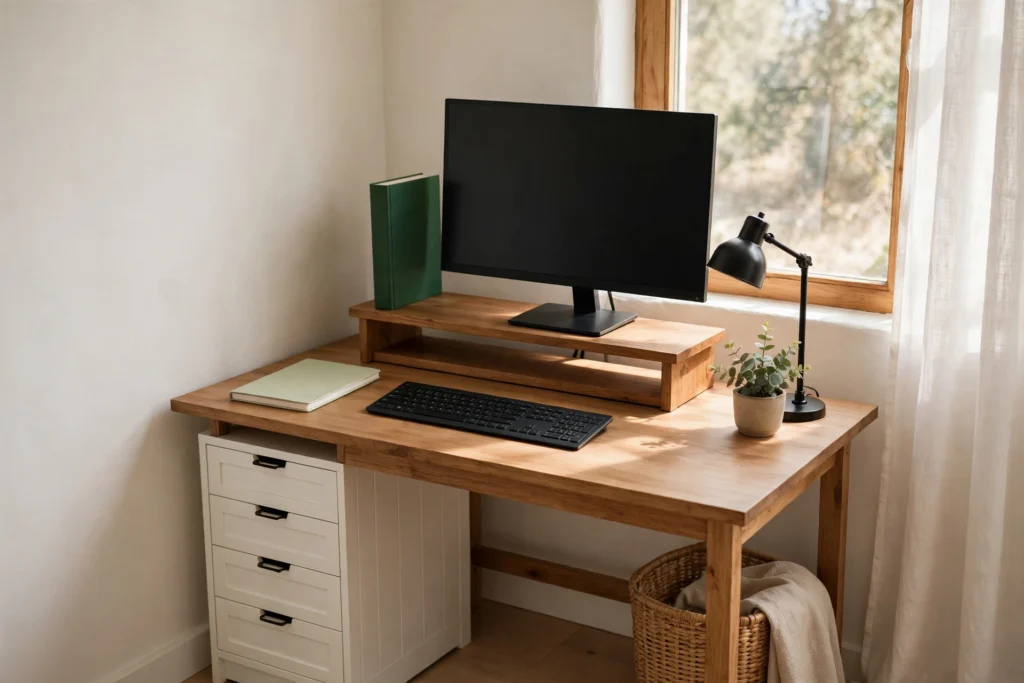
A corner is not a small office room. It is two walls, a floor patch the room still needs, the worst light in the apartment, and usually one outlet, and a work-from-home corner succeeds when it is set up as exactly that: a configuration, chosen and fitted, rather than a desk pushed into the nearest angle and hoped for the best. The method runs in the corner’s own order. Audit the candidate corners and choose by light, power, traffic, and background. Fit one of the three geometries the two walls allow. Fix the light and the power where corners are weakest. Divide the two walls between storage and rest. Then close the corner every night so it gives the room back. The corner is one spot inside a wider rental office system, and its desk still needs organizing once placed; this page is the full method for the corner itself.
How Do You Choose the Best Corner for a Home Office?
Apartments usually offer two or three candidate corners, and the differences between them decide the setup more than any furniture does. Audit each one on four factors, in this order, because the first two are nearly impossible to fix later and the last two are merely hard.
Power first. Stand in the corner and find the outlets. A corner with an outlet on one of its two walls can host a real setup; a corner with no outlet within a short, safe cord run is a corner that will trail an extension lead across a walkway forever, which is ugly, a trip hazard, and in many leases a quiet violation. Between two powered corners, prefer the one whose outlet sits on the wall the desk will back onto, so the setup’s wiring stays inside the corner’s own footprint.
Light second. Note where the windows are relative to the corner, not just in the room. The workable patterns are a window on one of the corner’s own walls (side light, manageable) or a window across the room (front light, gentle). The two bad patterns are a window directly behind your future screen position (you will face glare all day, squinting at a washed-out display) and the corner as the room’s darkest pocket, far from every window, which is fixable with lamps but starts the setup in debt. In a studio, add a fifth test: the corner farthest from the bed wins ties, because distance is the only wall a studio has.
Traffic third. Watch how the room moves. A corner that a passage crosses, between the sofa and the kitchen, beside the bathroom door, will be walked through and behind all day, which ruins calls and focus alike. The right corner is one the room’s paths bend around, not through: typically the corner beyond the main furniture, at the end of the room’s flow rather than in its middle.
Background last. Sit where the chair will go and look at what a camera sees: the wall or room slice behind you. A corner gives you control here that an open wall never does, because the background can be the corner’s own clear wall (below). Prefer the corner whose background is a wall, a bookcase, or a door that stays closed, over one that frames the kitchen, the bed, or a hallway’s worth of household life.
The corner to refuse is the one that fails power and traffic together. Almost any single weakness can be engineered around; a corner you must cross the room’s traffic to reach, powered by a cable across that same traffic, will annoy you every working day of the lease.
Which Corner Desk Layout Works Best: Flush, L-Shaped, or Diagonal?
Two walls allow exactly three configurations, and choosing between them is the setup’s biggest single decision.
Flush puts a small straight desk along one of the corner’s walls, its end near the vertex, the second wall serving as the setup’s side wall. It is the cheapest, smallest, and most renter-friendly option: the least furniture, the easiest to remove, and the corner’s floor stays mostly the room’s. Its cost is surface: one straight run, organized by the desk system, and the vertex itself goes unused or holds a plant and pretends that was the plan.
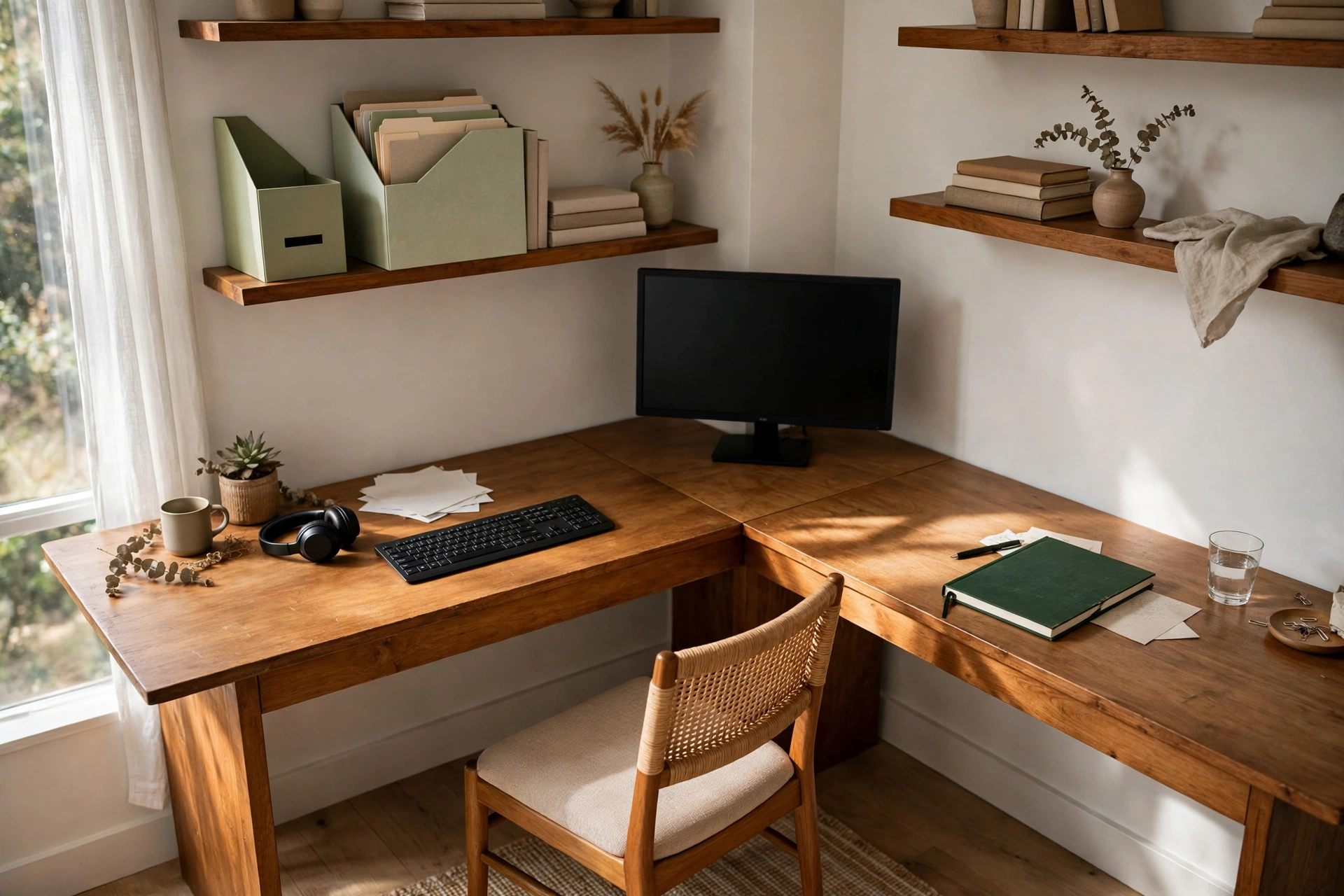
The L-shape uses both walls with a corner desk or two desks at right angles, the screen placed in or near the vertex. It buys the most surface and a genuine two-sided workspace: screen and writing side, or work side and household-admin side. Its costs are real: the most furniture, the deepest commitment to the corner, and the dead triangle, the deep wedge of desk surface in the vertex that arms cannot comfortably reach. The L only earns itself if the vertex is given a job (next paragraph) and the second run is truly worked from, not a landing strip for overflow.
Diagonal sets a straight desk across the vertex at an angle, the screen facing out into the room’s diagonal. It turns the corner into a cockpit: both walls as wings, the triangle behind the desk as concealed storage. It suits corners in rooms where the diagonal sightline is good and the floor patch behind the desk can hold the tower, the file box, and the hub invisibly. Its costs are the strangest footprint of the three and a chair that points into the room, which some rooms read as intentional and some as a desk that missed its wall.
The vertex itself follows one doctrine whichever configuration you choose: the vertex works or it stores, but it never just accumulates. Screen in the vertex is the classic answer for the L: the deepest focus point, your back to the room, both runs within a chair’s swivel. Vertex as storage suits flush and diagonal setups: a tall narrow shelf, the machine tower, or the storage column stands in the angle while the desk works along a wall. What the vertex must never become is the place things are pushed toward, because a corner’s dead zone collects exactly the items the rest of the system has no home for.
Desk forms follow the configuration and how completely the corner must disappear. A small straight desk serves flush and diagonal. A corner or L desk serves the L. A wall-mounted fold-down desk is the studio extreme: full disappearance, the desk folding flat at night, but it is the least renter-friendly object in this article, since it fixes to the wall with screws and belongs only where the lease clearly allows them; a freestanding folding desk gets most of the vanishing act with no holes at all. A ladder desk leans its storage up one wall (flush configuration, storage built in); a rolling desk makes the corner temporary, wheeling out for work and away for guests, at the price of a setup that must be rebuilt from its parked state daily.
Whichever form lands, run the three space tests before declaring the fit. The chair pulls out and you can stand up without moving furniture. The room’s narrowest passage past the corner still works for its real traffic, including a laundry basket or a second person. Every swing near the corner, doors, wardrobe, drawers, still opens fully. A corner that passes all three is fitted; one that fails any of them is furniture storage with a laptop on it.
How Should You Light a Work-From-Home Corner?
Corners are where rooms keep their darkness, so the corner’s lighting is a stack you build, not a bulb you inherit. The stack has two layers. Task light is a desk lamp aimed at the work, positioned to light the desk surface and documents without shining into the screen or your eyes; on a corner desk it usually stands on the back line or the storage wall’s side, lighting across the work field. Fill light is a softer source that lifts the corner out of gloom so the task lamp does not turn it into a glowing aquarium in a dark room at night: a small lamp on the shelf, the room’s own lamp pulled into the corner’s orbit, or a light bar above the desk on the storage wall. The two layers together are what make a corner feel like a place rather than a cave with a screen in it.
Screen orientation settles the glare question before lamps enter it. The rule is perpendicular: the screen at roughly a right angle to the window wall, so daylight comes from your side. Facing the window washes the screen out and backlights you into a silhouette on calls; back to the window glares the display and lights your face from the front, which is fine for calls and tiring for your eyes by afternoon. Corners make perpendicular natural, since the two walls usually offer both orientations; choose the one that puts the window on your non-dominant side, so your writing hand does not shadow the page. Where the only workable orientation breaks the rule, a curtain or blind on the offending window section is the fix, sheer enough to keep the light and kill the direct beam.
How Do You Manage Power and Cables in a Corner Workspace?
The corner’s power layout is decided the day the desk lands, by one principle: the setup builds on the outlet wall. The desk backs onto or beside the wall that has the power, the machine and screen sit on that side, and the single charging hub lives inside the corner’s footprint, at the back of the desk or in the vertex storage, so every cable run stays short and inside the setup. The failure this prevents is the diagonal power trail: a setup built on the unpowered wall, fed by leads crossing the corner’s floor or, worse, the room’s walkway, visible from everywhere and kicked daily.
Corners usually offer one outlet, sometimes two sockets in it, and the discipline is to run the whole corner from that one point through the hub rather than adding extension leads in series across the room. What plugs in permanently (screen, machine, lamp) goes to the hub; what visits (the phone charger) parks in its one spot. The routing methods that make the runs invisible, trays, clips, and raceways, are a discipline of their own; the corner’s contribution is geometry: short runs, one hub, nothing crossing a path. If the audit’s chosen corner truly has no reachable outlet, that is the audit failing late: move the setup to the powered corner rather than wiring a powered path to an unpowered one.
How Should You Use the Two Walls Around a Corner Desk?
A corner’s two walls are its built-in storage and its built-in backdrop, and the setup works when each wall is given exactly one of those jobs. The storage wall, usually the one the desk backs onto or the deeper of the two, carries the vertical system: shelves above the desk, a leaning unit in the vertex, the lamp stack’s fill light, the in-tray and reference shelf. It follows the renter’s vertical rules from the wider office system: leaning, standing, and resting on the wall rather than fixed into it wherever the lease is strict, with anything screwed in reserved for leases that plainly allow it. The clear wall stays nearly empty on purpose. It is the video-call background, the visual rest your eyes take mid-call, and the reason the corner reads as calm from the rest of the room. A print, a plant on the storage wall’s edge, and nothing else: the clear wall’s emptiness is doing three jobs, and filling it because it is there unmakes all three.
The vertex where they meet takes the corner-specific pieces: a corner shelf that uses the angle itself, the tall plant that softens the two walls’ join, or the storage column from the geometry decision. Asymmetry is the point of the whole arrangement. A corner with both walls shelved feels like a stockroom you sit in; a corner with both walls bare wastes the only storage a small apartment offers for free. One wall working, one wall resting is what makes the corner feel designed rather than accumulated.
How Do You Make a Corner Office Blend Back Into the Room?
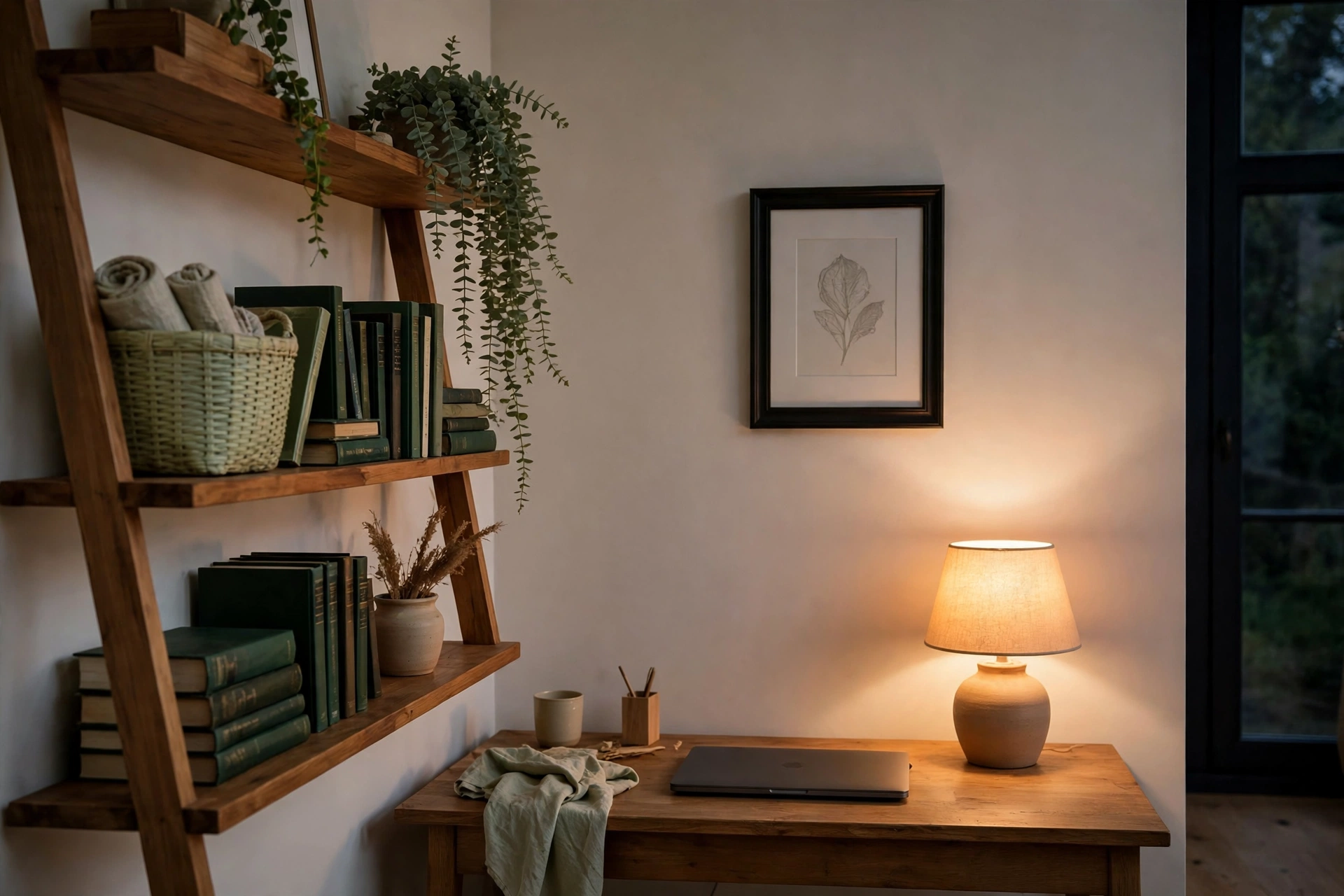
A corner office in a shared room has a second shift: from six in the evening it is living space again, and a setup that still looks like a workplace at dinner will make the whole apartment feel like an office with a sofa in it. The close is corner-scale. The screen goes dark or the laptop closes, which alone removes the corner’s brightest work signal. The desk surface clears to its kit, the chair gets its evening position, pushed in, turned, or rolled to wherever it serves the room, and the fill light stays on while the task light goes off, so the corner drops from workplace brightness to room brightness. Ninety seconds, most nights, and the corner stops presenting as a job.
Blending is also built, not just nightly. The corner’s furniture reads as the room’s furniture when its visual weight matches: a desk in the room’s wood tone or a quiet color, storage in baskets and boxes rather than office plastic, the chair chosen as a chair first if it will sit in the room’s sightline all evening. In a studio the blend needs one more layer, because the corner shares air with the bed: a boundary the eye believes, the rug under the setup, a curtain or screen at the corner’s edge, or simply the light shift, task-white by day and warm by night, so work and sleep stop sharing one visual field even when they share a room. The wider shutdown this close belongs to, the one that ends the workday for the whole office, runs at room scale in the small home office system for renters; the corner’s version is deliberately smaller: dark screen, clear surface, chair away, warm light, room back.

Mike Maan writes practical home organization and small-space living guides for CozySorted. His work focuses on apartment-friendly storage, clutter-free routines, bedroom organization, and simple systems that help renters, apartment dwellers, and small-space homeowners create calmer, easier-to-maintain homes.